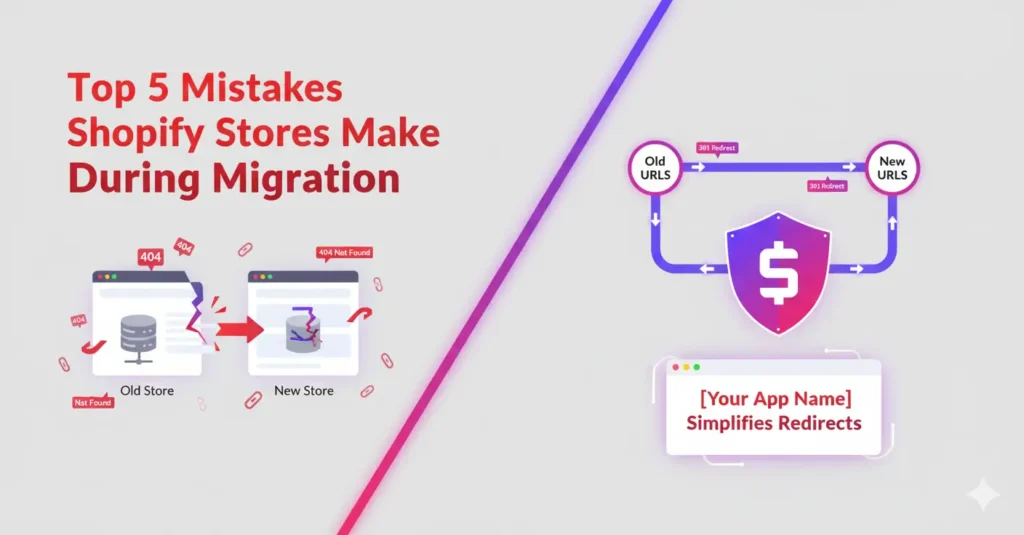
Top 5 Mistakes Shopify Stores Make During Migration
Migrating your online store to Shopify can be one of the best decisions for long-term growth. With its powerful features, scalability, and ease of use, Shopify makes managing an online business smoother than ever.
But here’s the catch — store migration isn’t always seamless. Many merchants lose traffic, rankings, and even customers because of poor redirect management during the migration process.
To help you avoid costly mistakes, let’s look at the Top 5 migration mistakes Shopify stores make — and how the 301 Redirect | Fix 404 Links app solves them.
1. Forgetting to Set Up Redirects for Old URLs
One of the biggest mistakes store owners make is failing to redirect old product or category URLs. Customers clicking old links land on 404 error pages, leading to frustration and lost sales.
✅ With 301 Redirect | Fix 404 Links, you can bulk redirect old URLs to new ones using CSV import or wildcard patterns, ensuring no customer ever hits a dead end.
2. Relying on Manual Redirects Only
Manually creating redirects one by one is not only time-consuming but also prone to errors — especially for stores with hundreds of products.
✅ Our app automates this process with smart redirect patterns, letting you set rules once and apply them across your entire catalog.
3. Ignoring 404 Error Tracking
Many store owners forget to track broken links after migration. Without monitoring, hidden 404 errors continue to harm SEO and traffic.
✅ The app provides real-time 404 error tracking, so you can instantly detect and fix issues before they impact your rankings.
4. Overlooking SEO Impact
Every broken link affects SEO performance. Search engines see too many 404s as a sign of a poorly managed site, which can hurt your visibility.
✅ By fixing broken links in bulk, you protect your SEO equity, maintain rankings, and keep organic traffic flowing to your store.
5. Delaying Redirect Setup Until After Migration
Some merchants wait until the migration is complete before setting up redirects. By then, traffic and sales may already be lost.
✅ With our app, you can plan redirects in advance using a simple CSV file, making the transition seamless from day one.
Final Thoughts
Migrating to Shopify doesn’t have to mean losing traffic or frustrating customers. By avoiding these common mistakes and using a smart solution like 301 Redirect | Fix 404 Links, you can ensure a smooth migration, protect your SEO, and keep your store performing at its best.
👉 Ready to migrate without losing traffic?
Install 301 Redirect | Fix 404 Links today and simplify your redirects with automation, bulk tools, and real-time tracking.